
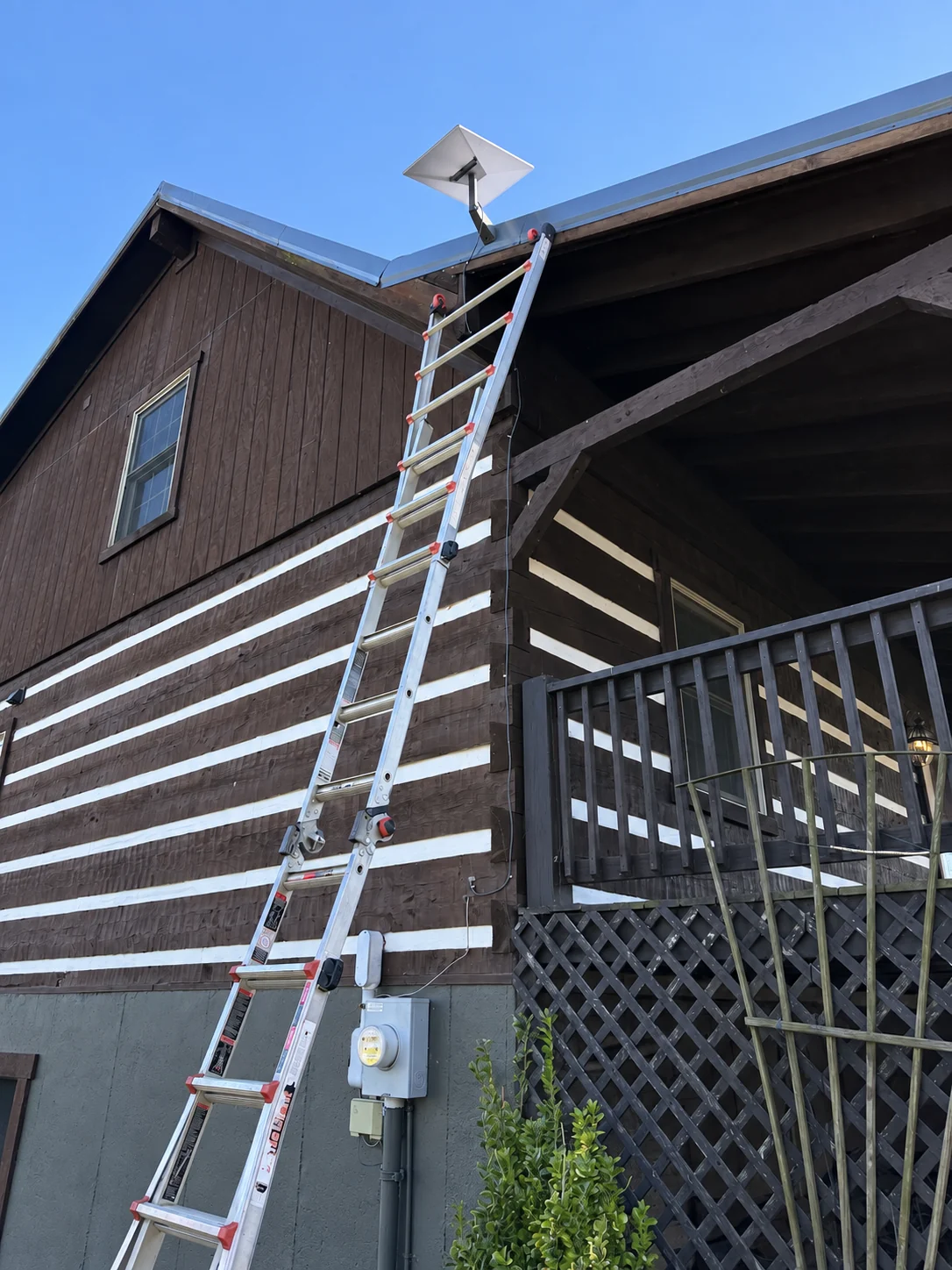
Starlink for Remote Cabins and Off-Grid Properties
Plan sky visibility, power, equipment protection, remote monitoring, seasonal access, and backup communication for isolated properties.
Remote locations magnify small installation problems
Remote properties benefit greatly from Starlink, but they also magnify every weakness in power, access, weather protection, cable routing, and troubleshooting. A failed connector may be hours from replacement.
A loose connector in town is inconvenient; the same connector at a snowed-in cabin can end communication for weeks. Use durable routes, compatible hardware, labeled components, and serviceable placement. Reliability should be valued above the shortest installation time.
Plan year-round sky and access
Assess year-round sky clearance, seasonal leaves and snow, battery and generation capacity, equipment temperature, security, wildlife, lightning exposure, remote reboot needs, road access, and emergency communication alternatives.
Consider summer leaves, winter snow depth, ice shedding, wildfire exposure, road closure, and whether the owner can safely reach the equipment. A ground pole may provide clear sky but should not sit where drifting snow, falling limbs, animals, or vehicles can reach it.
Power the complete network
Use durable mounting, protected conduit where needed, backup power sized for the actual load, remotely manageable network equipment, and labeled spare components when replacement travel is difficult.
Include the dish, router, switches, access points, cameras, and remote-control equipment in the energy budget. Size batteries for overnight and poor-generation periods, account for inverter losses, and protect electronics from unstable generator output.
Protect equipment from weather, wildlife, and absence
Avoid direct-buried cable, an exposed generator plan without safe fuel management, relying on one communication method, or installing equipment where snow, animals, or unauthorized visitors can easily damage it.
Use conduit at vulnerable ground routes, pest-resistant entries, locked or concealed network equipment, and appropriate surge protection. Maintain ventilation and operating-temperature limits. Wildlife may chew exposed cable or rub against a pole even when people rarely visit.
Design for recovery when nobody is nearby
Design for the day nobody is present: safe power recovery, weather resistance, remote status visibility, and a written troubleshooting plan. Keep an independent emergency communication option for critical situations.
Provide remote power cycling where appropriate, status alerts, documented Wi-Fi and account access, spare compatible cable, and a trusted local contact. Keep another emergency communication method; no internet system should be the sole life-safety plan for an isolated property.
Confirm with the official source.
Check the instructions for your exact kit, accessory, and service plan before making a hardware or account decision.
Starlink Help Center ↗Suggest a correctionRelated guides
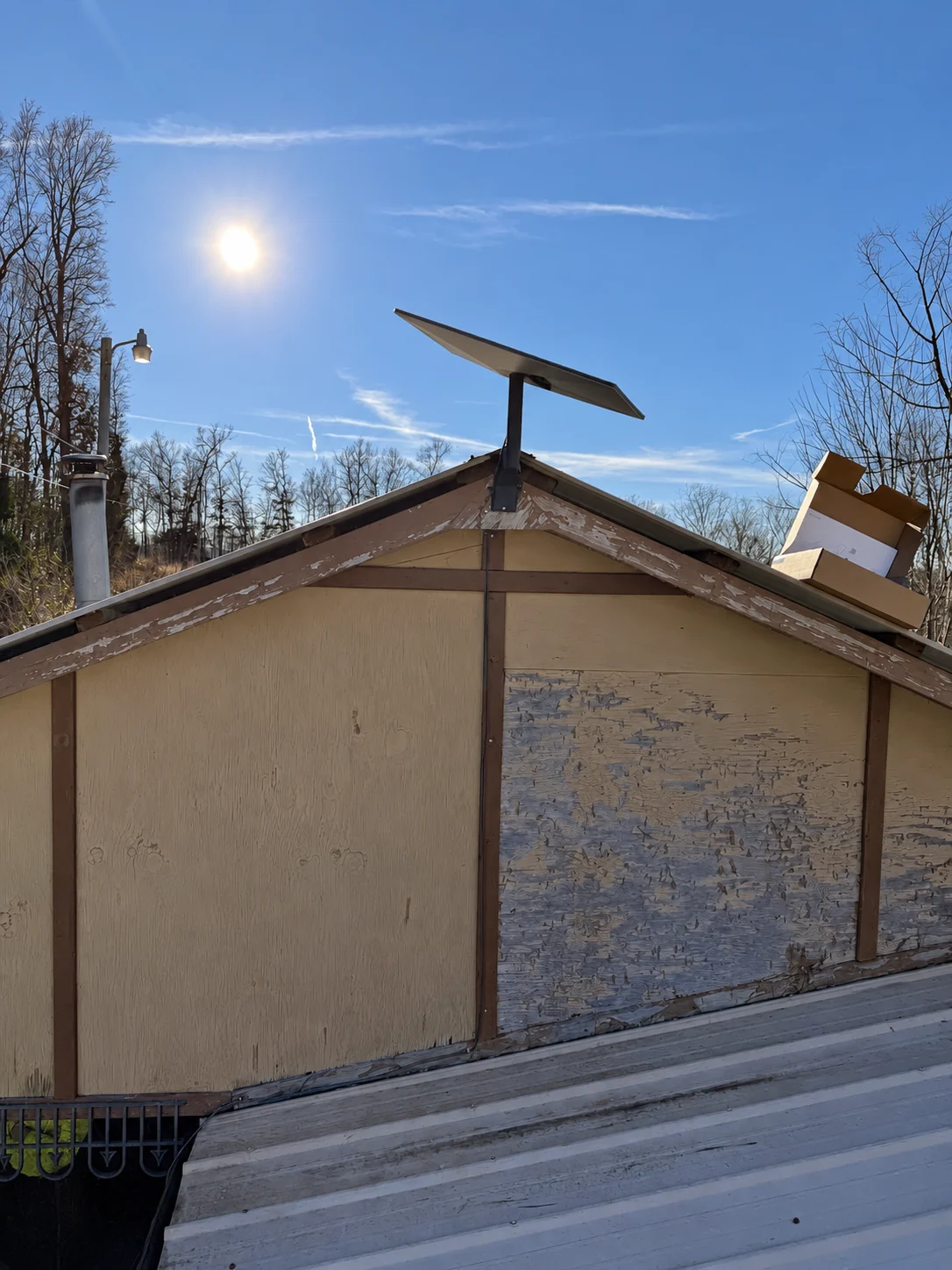
Starlink Installation After Storm or Roof Damage
Coordinate roof repairs, equipment inspection, temporary removal, remounting, cable replacement, and insurance documentation after damage.
2 MIN READ ↗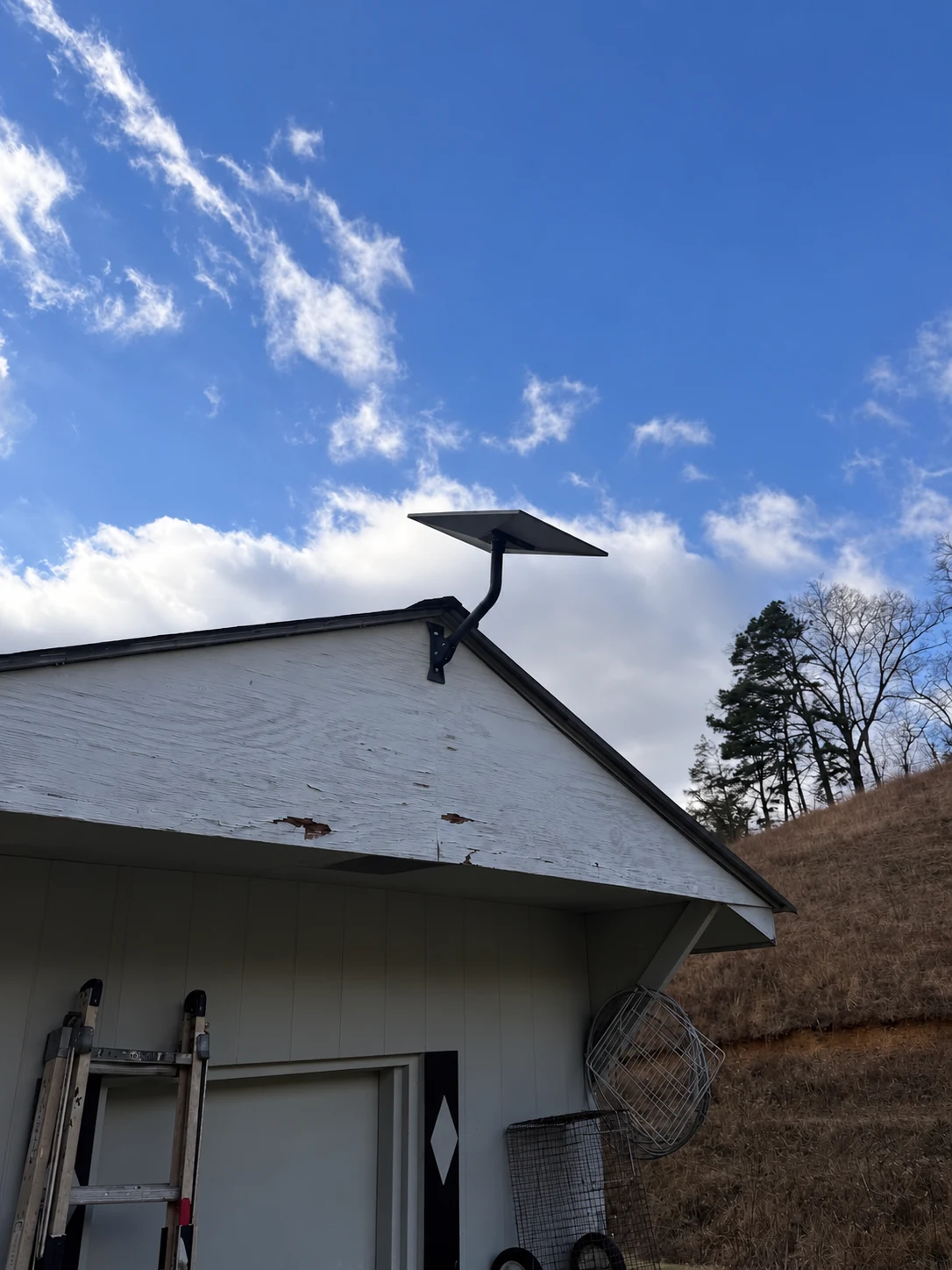
Why Terrain Matters Less Than Obstructions for Starlink
Learn why valleys and mountains do not automatically prevent Starlink service—and why nearby trees and rooflines often matter more.
2 MIN READ ↗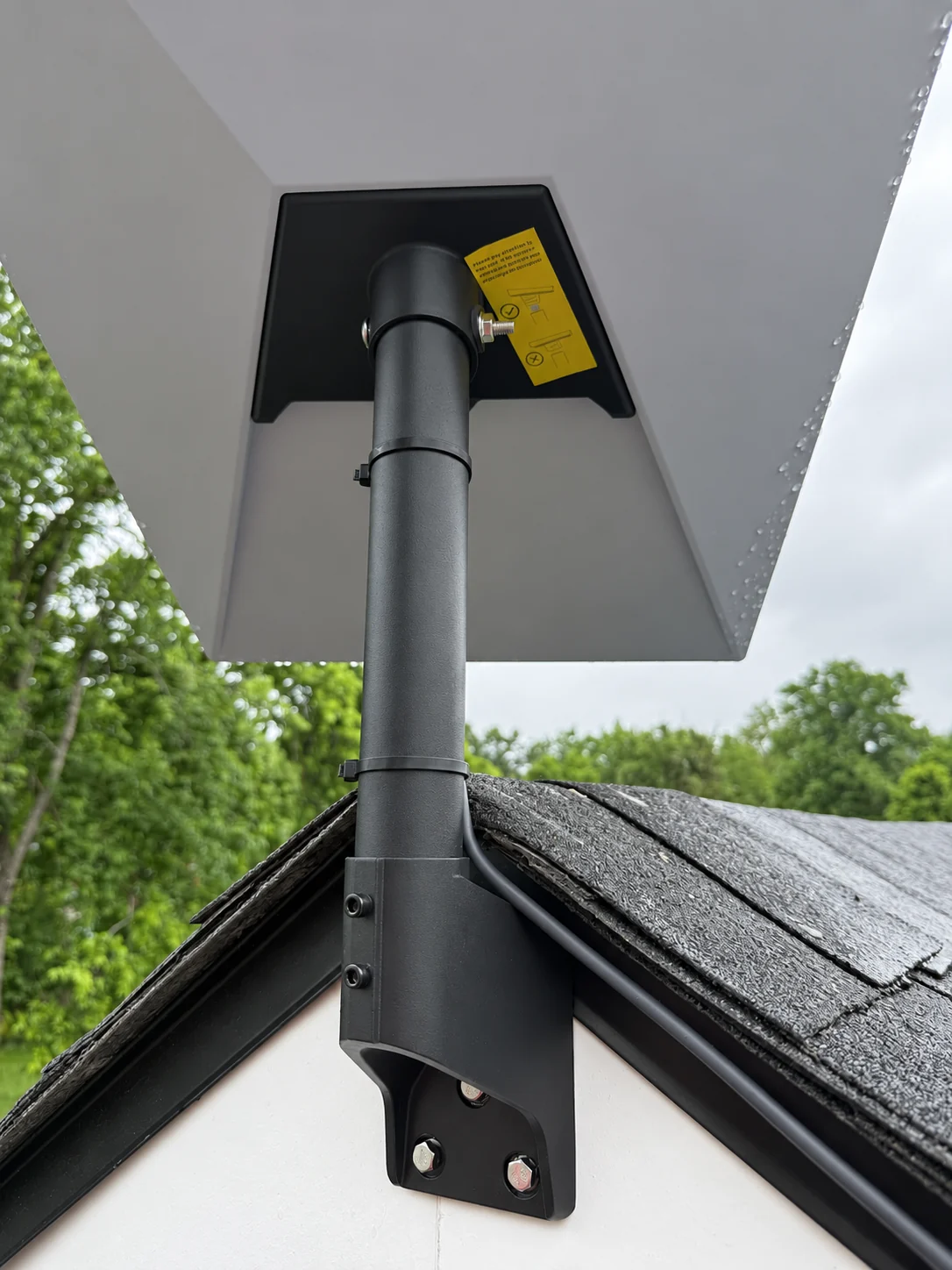
How Wind, Hail, and Ice Affect Starlink Mounting
Understand how severe weather changes mount loads, fastener requirements, cable strain, roof hazards, and inspection needs.
2 MIN READ ↗