
Powerful tools.
Practical answers.
Explore what StarTether brings to your iPhone, and the guides, accounts, and installer network available on the website.
Measure first. Recommend from evidence.
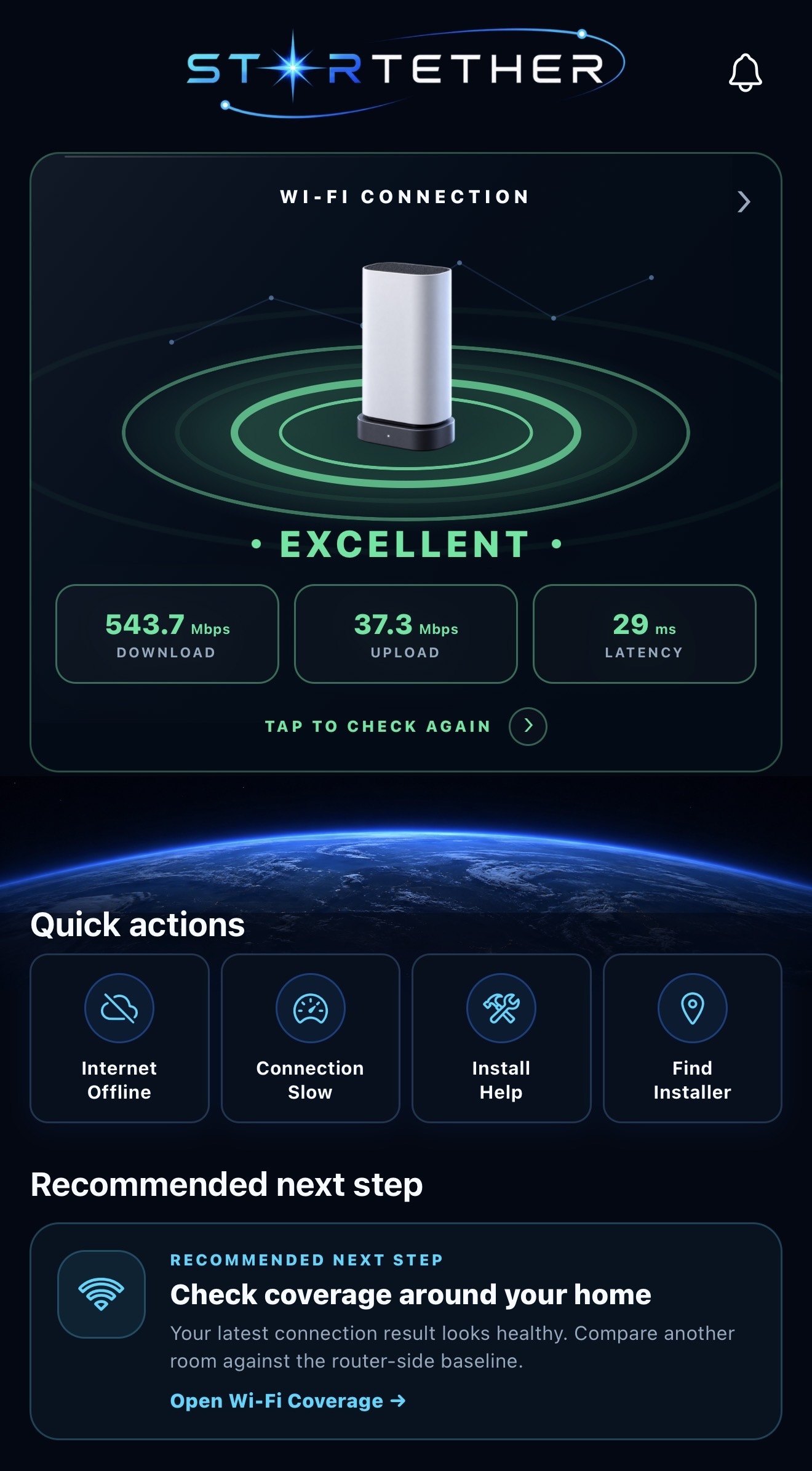
The StarTether home screen combines the active connection, the latest measured result, quick actions, saved work, and a recommended next step that changes with the evidence on the device.
- Download, upload, latency, and jitter
- Excellent through Offline status language
- Four direct quick actions
- Context-aware next steps
 STARTETHER / iOS APP PREVIEW
Turn a symptom into one clear next action.
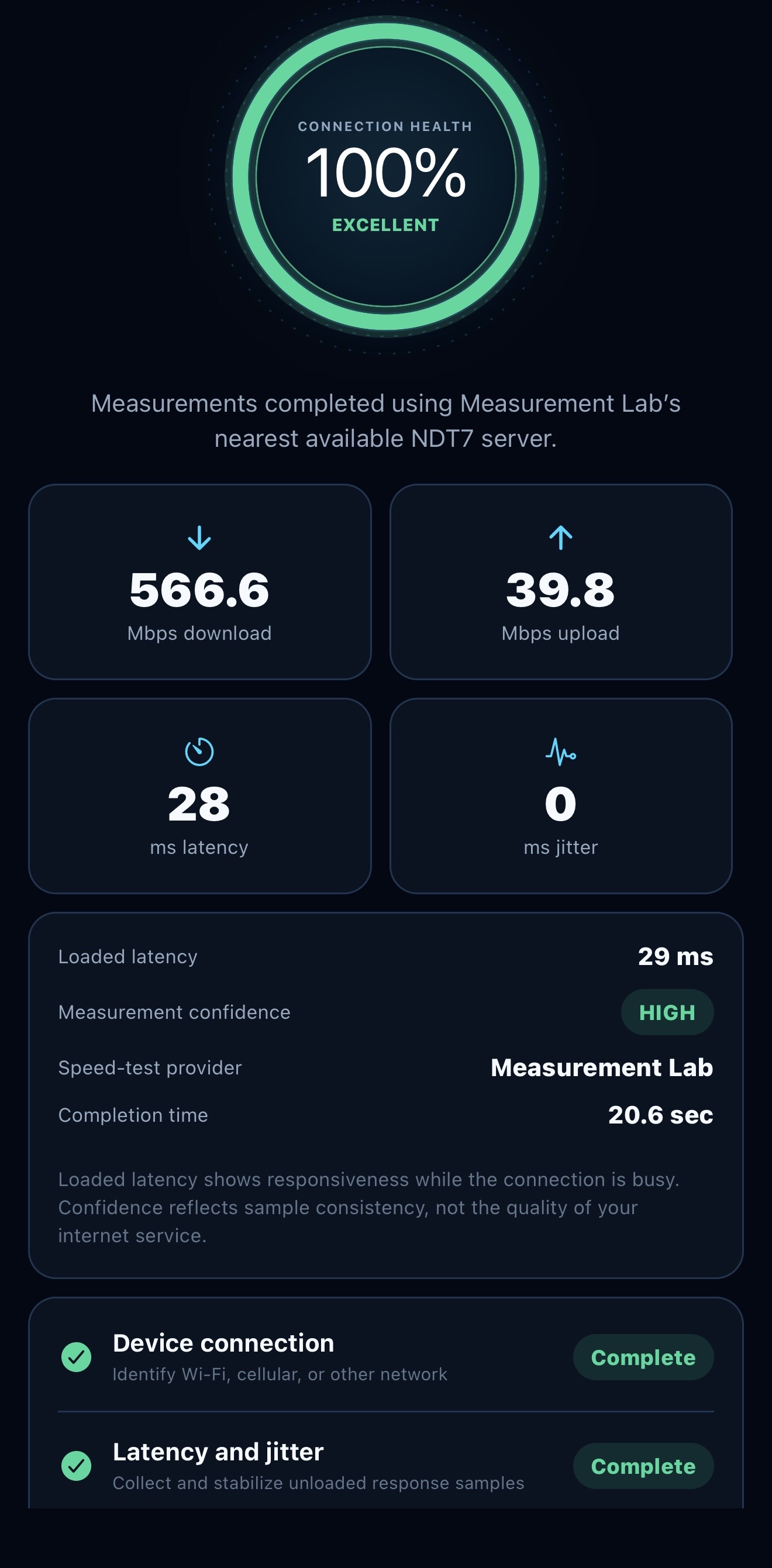
Diagnose brings recent checks, stability evidence, coverage evidence, and visible Starlink app alerts together before recommending a workflow for offline service, slow speeds, coverage problems, drops, or installation help.
- Evidence-led system overview
- Private screenshot text review
- Guided symptom workflows
- Saved diagnosis and check history
 STARTETHER / iOS APP PREVIEW
Compare the router room to where coverage fails.
Wi-Fi Coverage Survey starts beside the router, then compares another room. Mesh Needs Estimator turns those room results into placement guidance, while Connection Stability Monitor records spikes, interruptions, and network changes over time.
- Router-side baseline and room retest
- Measured mesh placement validation
- 5-, 15-, or 30-minute monitoring
- Saved room and stability evidence
STARTETHER / iOS APP PREVIEWPlan the sky view, cable route, and final position.
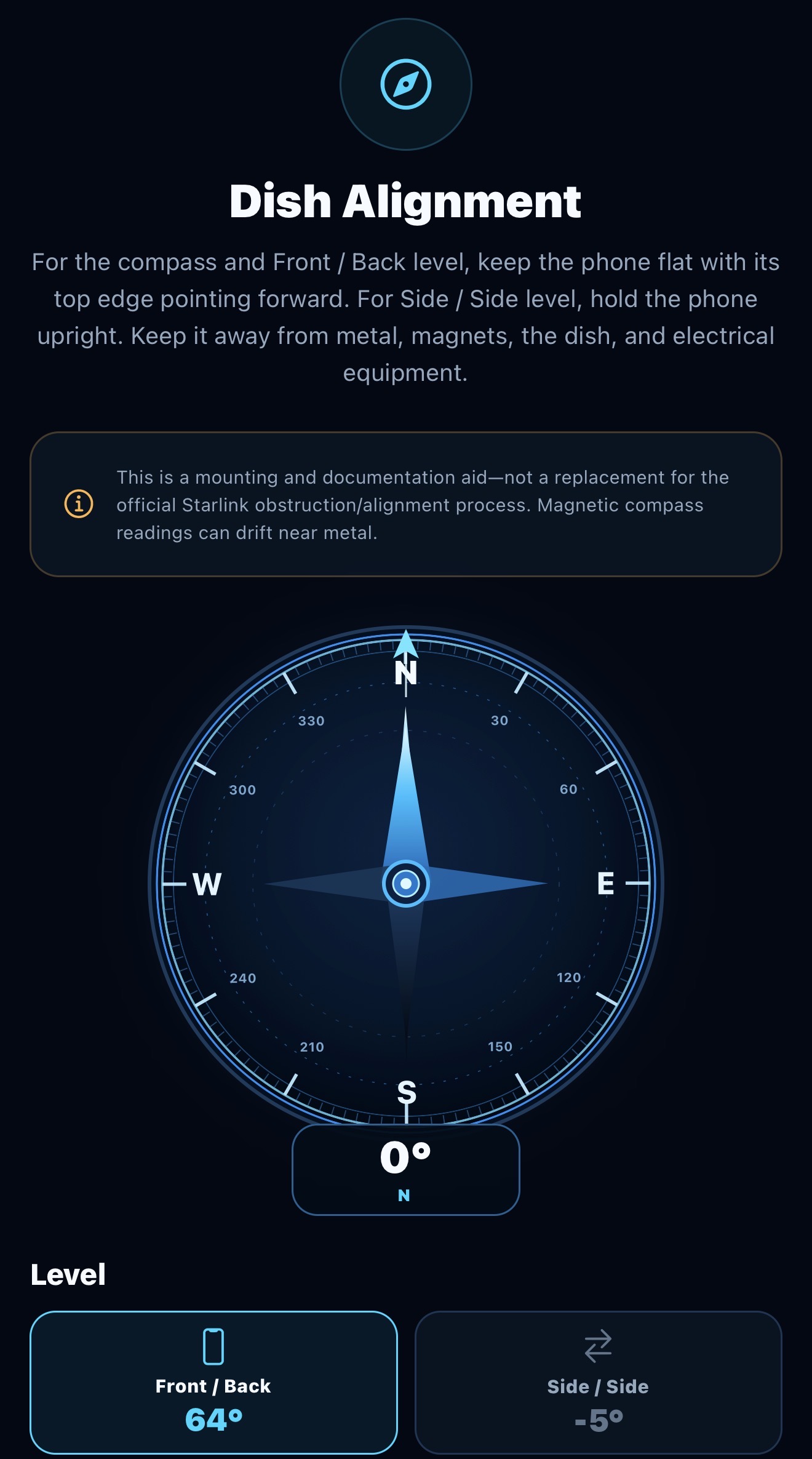
Compare possible dish locations with Sky Obstruction Scan, map a protected cable route, and check mast level and a North reference. Dish Clearance Preview places a dish model in augmented reality to estimate room around a roof, wall, or eave. Confirm real clearances by measurement and follow the official Starlink app for final alignment.
- Sky Obstruction Scan
- Cable Length Planner
- Dish Clearance Preview in AR
- Dish positioning and two-axis mast level
 STARTETHER / iOS APP PREVIEW
Plan it. Identify it. Understand it.
The same three knowledge libraries are available across StarTether: complete Field Guides, a plain-language Starlink Glossary, and Equipment, Kits & Mounts with visual hardware references and related reading.
- 107 complete Field Guides
- 11 practical guide categories
- 49 plain-language glossary terms
- 9 kits and 9 mounting types
 STARTETHER / iOS APP PREVIEW
Find the right professional for the exact service area.
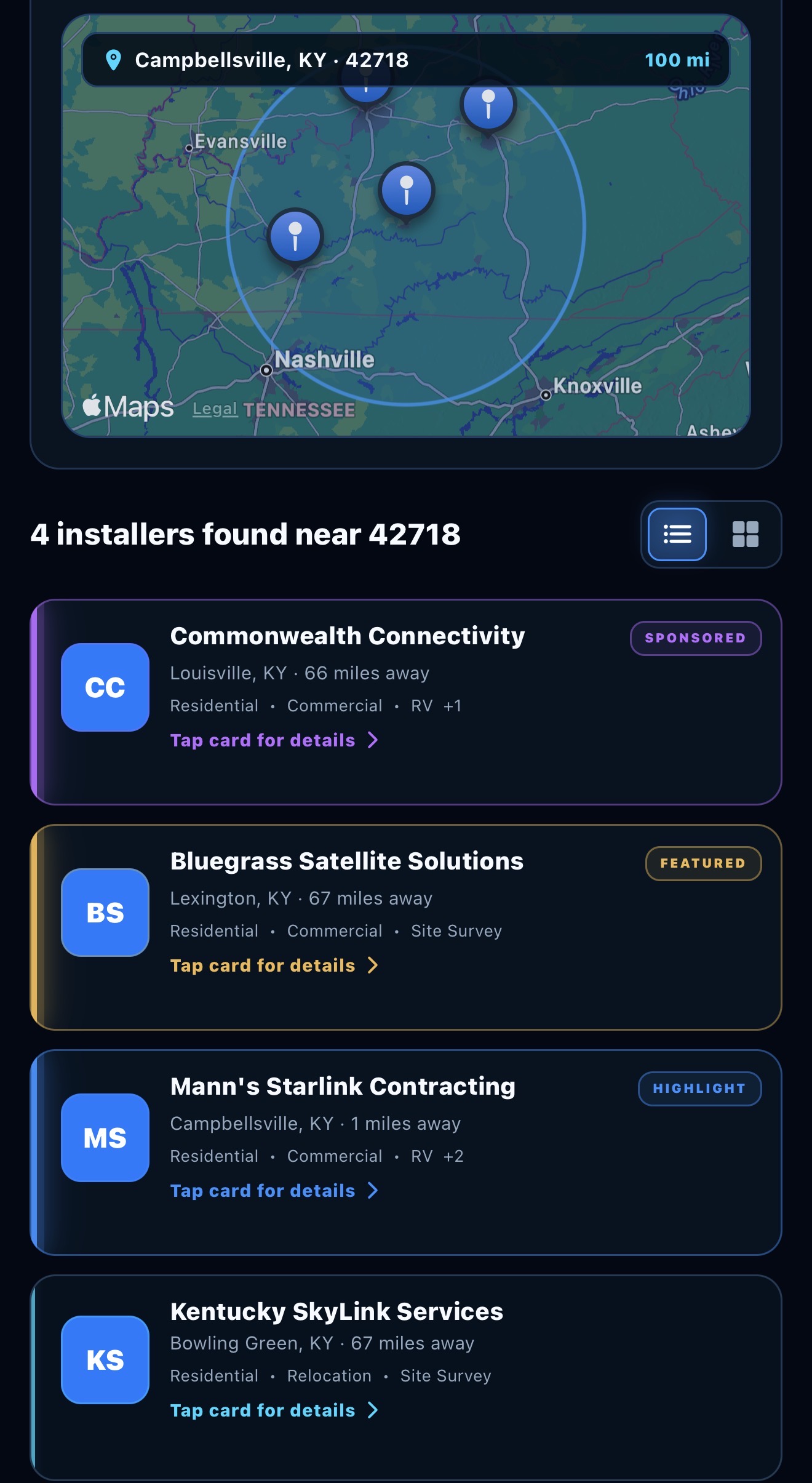
Search by ZIP and radius, state, or nationwide coverage. Review exact services and coverage, save businesses, request a quote, and keep the response connected to the same StarTether account.
- ZIP, state, and nationwide search
- Twelve service categories
- Detailed profiles and favorites
- Connected Business Quotes
 STARTETHER / iOS APP PREVIEW
Carry useful information across both experiences.
One free account connects installer favorites, supported diagnostic records, notifications, and quote activity. The website can organize multiple saved Starlink systems. Guide saves on the website belong to your account; the current app keeps its guide favorites on that device.
- Multiple saved systems on the website
- Connected installer favorites
- Diagnostic history and notifications
- Customer and business quote activity
 STARTETHER / iOS APP PREVIEW
Built to complement your Starlink.
The iPhone tools use the measurements and permissions available on the device. The website provides guides, equipment references, accounts, and installer discovery. Use the official Starlink app for activation, hardware settings, official obstruction checks, and alignment.
Follow the app launch