
Starlink
Maintenance & Troubleshooting
Learn how to identify common connection, obstruction, cable, equipment, and maintenance concerns.
Search guides, glossary, and equipment together →
Browse Starlink help by topic
When Starlink Equipment Should Be Replaced Instead of Repaired
Know when damage, corrosion, repeated failures, unsafe modifications, or obsolete hardware make replacement the dependable choice.
2 MIN READ ↗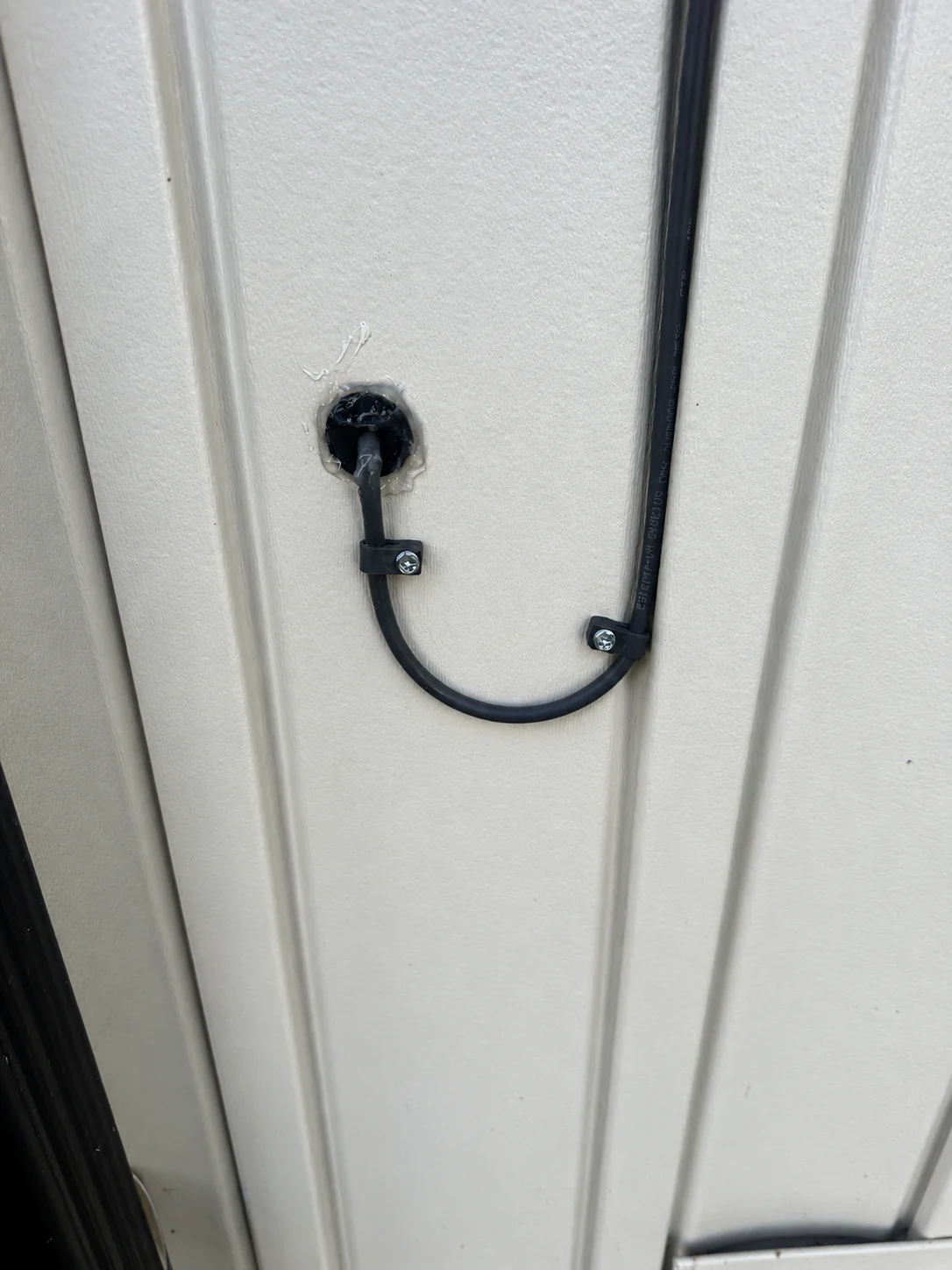
Protecting Starlink Cables From Rodents, Mowers, and Landscaping
Prevent common property damage with conduit, secure routing, protected transitions, and routine cable inspection.
3 MIN READ ↗Why Starlink Speeds Change Throughout the Day
Understand how network demand, Wi-Fi use, weather, obstructions, plan priority, and test conditions affect Starlink results.
2 MIN READ ↗What to Do When the Starlink App Says Disconnected
Determine whether a disconnected message comes from power, the router-to-dish link, local Wi-Fi, service, or damaged equipment.
3 MIN READ ↗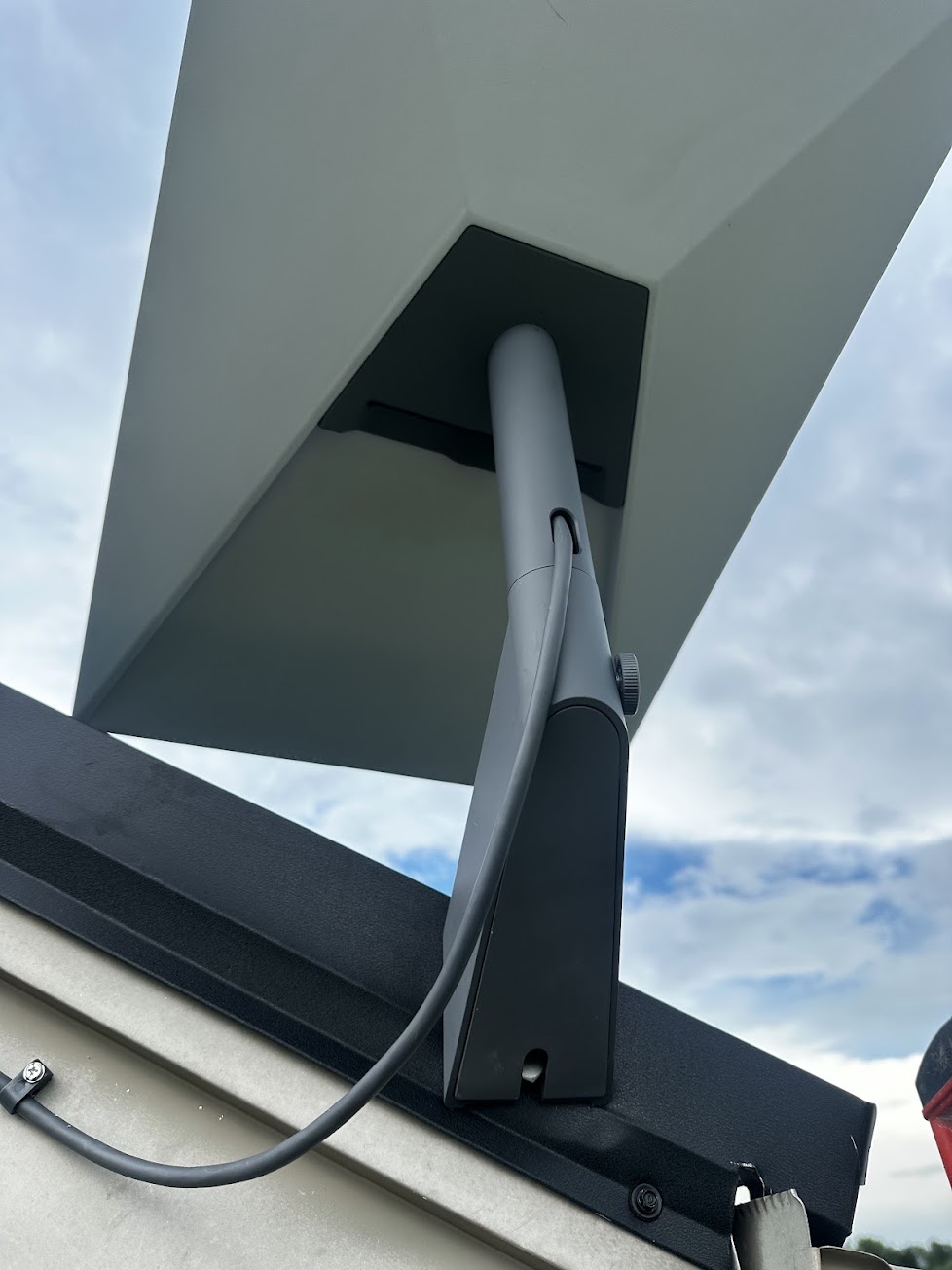
How to Identify a Failing Starlink Cable or Connector
Recognize intermittent disconnections, visible damage, moisture, heat, and connector problems without unsafe or destructive testing.
2 MIN READ ↗How to Reboot or Factory Reset a Starlink Router
Know when a simple reboot is appropriate, what a factory reset erases, and how to prepare before restoring the router.
2 MIN READ ↗Starlink Not Working: Complete Troubleshooting Checklist
Work through power, app status, outages, cables, obstructions, router behavior, and device tests in a safe logical order.
2 MIN READ ↗Starlink Download, Upload, and Latency Explained
Learn what each Starlink app speed-test measurement controls, why upload and latency matter, and what practical ranges support streaming, gaming, calls, and everyday use.
3 MIN READ ↗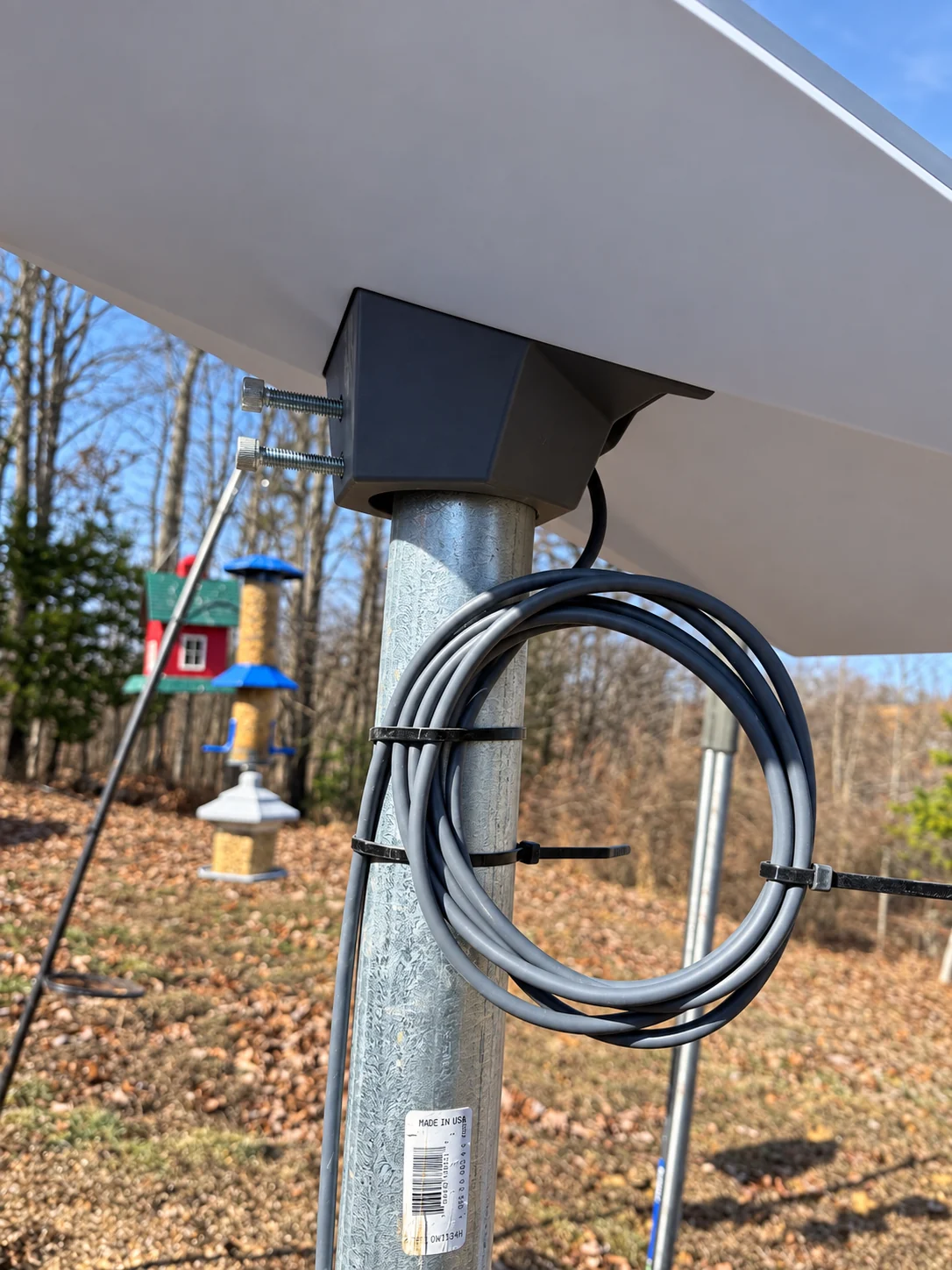
Damaged Starlink Cable: Why Replacement Beats Splicing
Learn why a cut, crushed, corroded, or kinked Starlink cable should be replaced as a complete assembly instead of repaired with an improvised splice.
3 MIN READ ↗Cat5, Cat5e, and Cat6 Ethernet Cable Differences
Understand why original Cat5 can limit a wired network, how Cat5e differs, and why Cat6 is a sensible choice for new Ethernet runs connected to Starlink.
3 MIN READ ↗Protecting Starlink From Weather and Power-Surge Damage
Learn how nearby lightning and electrical surges can damage the Starlink power supply, router, cabling, or dish—and what protection can reduce the risk.
3 MIN READ ↗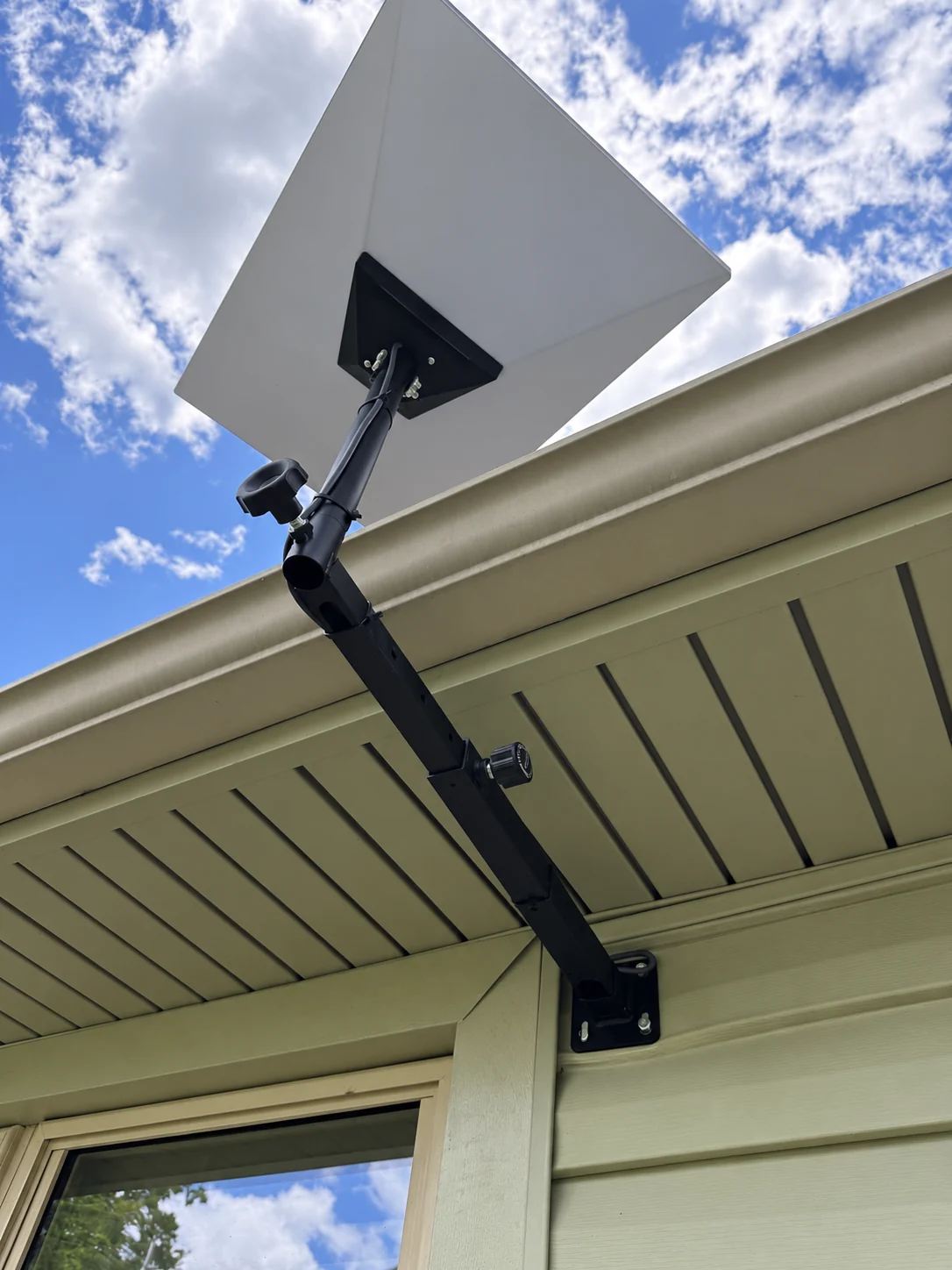
Understanding Starlink Obstructions and Dish Alignment
Learn what the light and red points on the obstruction map represent, how alignment affects reliability, and why perfect alignment does not guarantee maximum speed.
4 MIN READ ↗Using Multiple Starlinks on One Account
Learn how several Starlink dishes can be managed under one account, why each active dish needs its own service line, and how to switch between systems.
3 MIN READ ↗What Do the Lights on a Starlink Router Mean?
Use the light on a Starlink Standard Kit router to understand startup, connection, power, and hardware problems before beginning deeper troubleshooting.
4 MIN READ ↗