
Moving Starlink to a New Home: Service Address and Reinstallation
Plan the account update, safe removal, equipment inspection, new mount, cable route, and activation when taking Starlink to another home.
An account move and a physical move are different jobs
Changing the service location tells Starlink where the system is intended to operate. It does not remove the dish, make the old mount reusable, or determine where equipment belongs at the new property. Treat the account change and the physical relocation as two coordinated parts of the move.
Review service at the destination first
Before removing a working system, check the destination address and the service options currently offered there. Plan names, availability, and account controls can change, so use the owner's Starlink account for the current instructions. Avoid cancelling service or releasing equipment when the goal is simply to move an owned kit.
Remove equipment without creating damage
Disconnect power before handling cables and protect every connector from moisture and impact. Roof-mounted hardware may involve sealed penetrations that need proper repair; some mounts are better left for the property owner or roofer rather than pulled out casually. Never let the terminal hang by its cable, sharply coil the cable, or pack wet components.
Inventory and inspect before transport
Label the router, power supply, terminal cable, AC cord, kickstand, adapters, fasteners, and any Ethernet accessories. Photograph existing labels and connector condition. Replace a damaged cable or questionable power component before building the new installation around it. Use the original packaging or padded containers that prevent the dish face and connectors from carrying weight.
Design the new installation for the new property
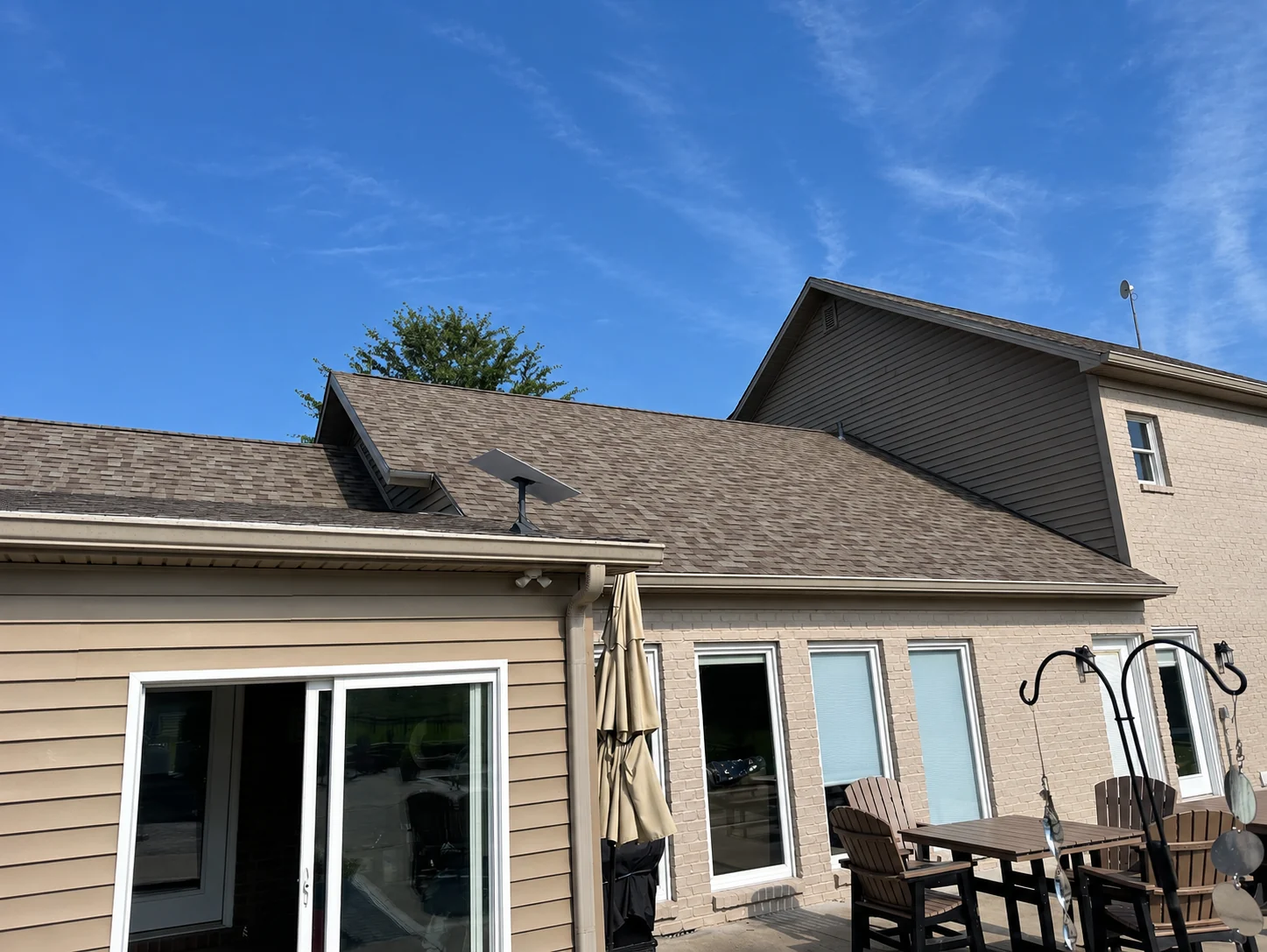
The old mount location does not predict what the new house needs. Perform a fresh obstruction review, identify structural mounting material, measure the supported cable route, select a router location, and account for trees and future roof work. Reusing a compatible mount may be possible, but only after inspecting its condition and confirming the new placement.
Bring the system online methodically
Update the service location using the account's current controls, assemble the complete system, allow time for startup and updates, and check alignment, obstructions, and Wi-Fi. Keep the old installation photographs and new installation records separate so future service or insurance questions are easier to answer.
See how this works on a real property.
Mann’s Starlink Contracting is Caleb Mann’s installation business. Caleb also created StarTether to help Starlink owners understand their connection. Mann’s serves an 11-state region from Campbellsville, Kentucky; confirm your address before scheduling.
Confirm with the official source.
Check the instructions for your exact kit, accessory, and service plan before making a hardware or account decision.
Starlink Help Center ↗Suggest a correction